How to choose an app for young children
A kids' app can be assessed in ten minutes, before the child gets it. You need a fixed list to go through, and some scepticism.
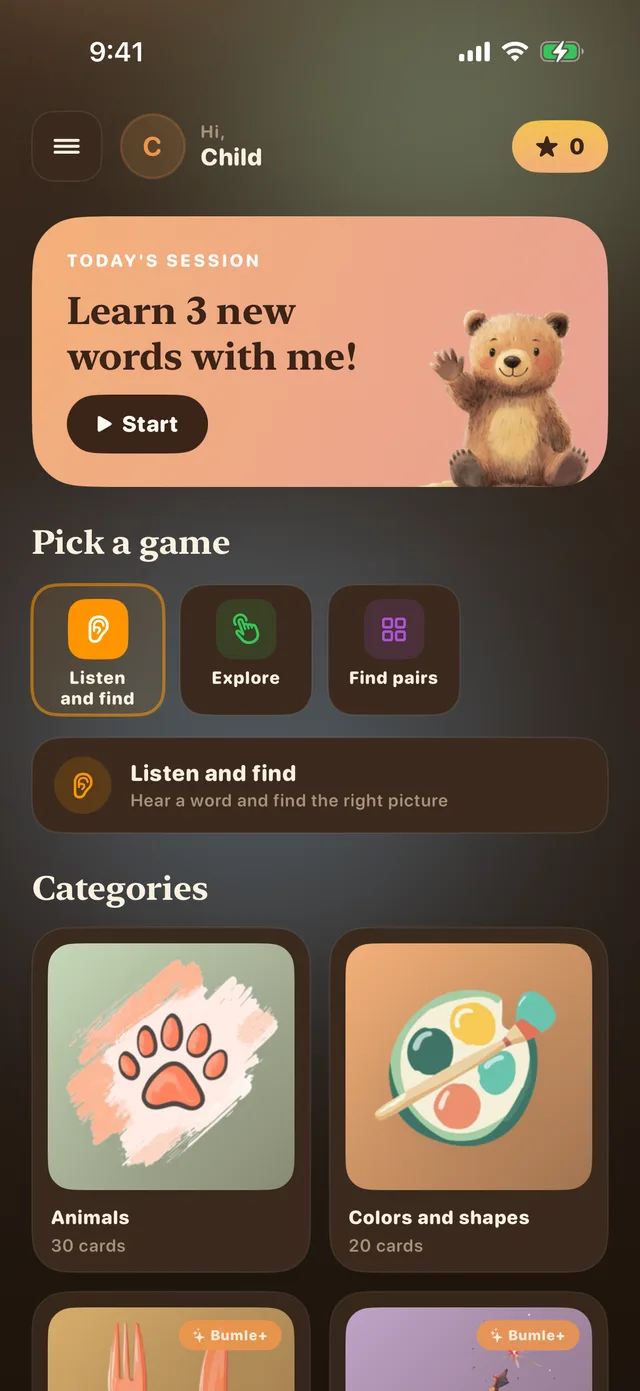
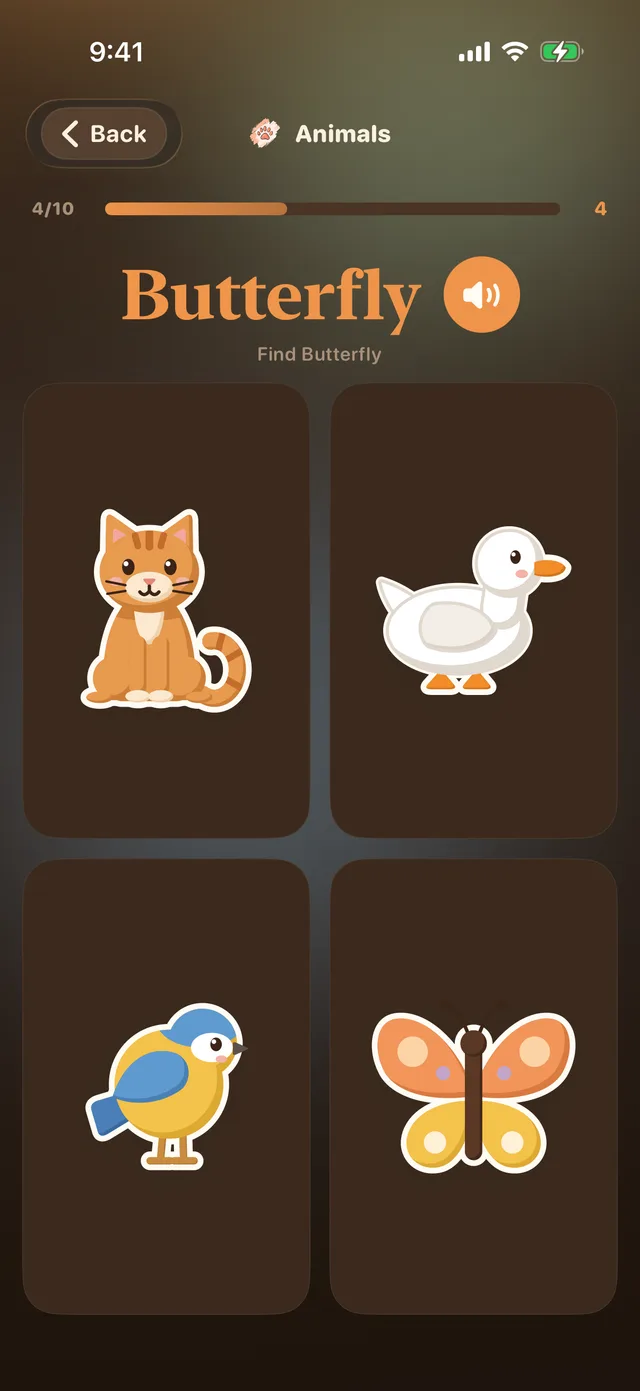
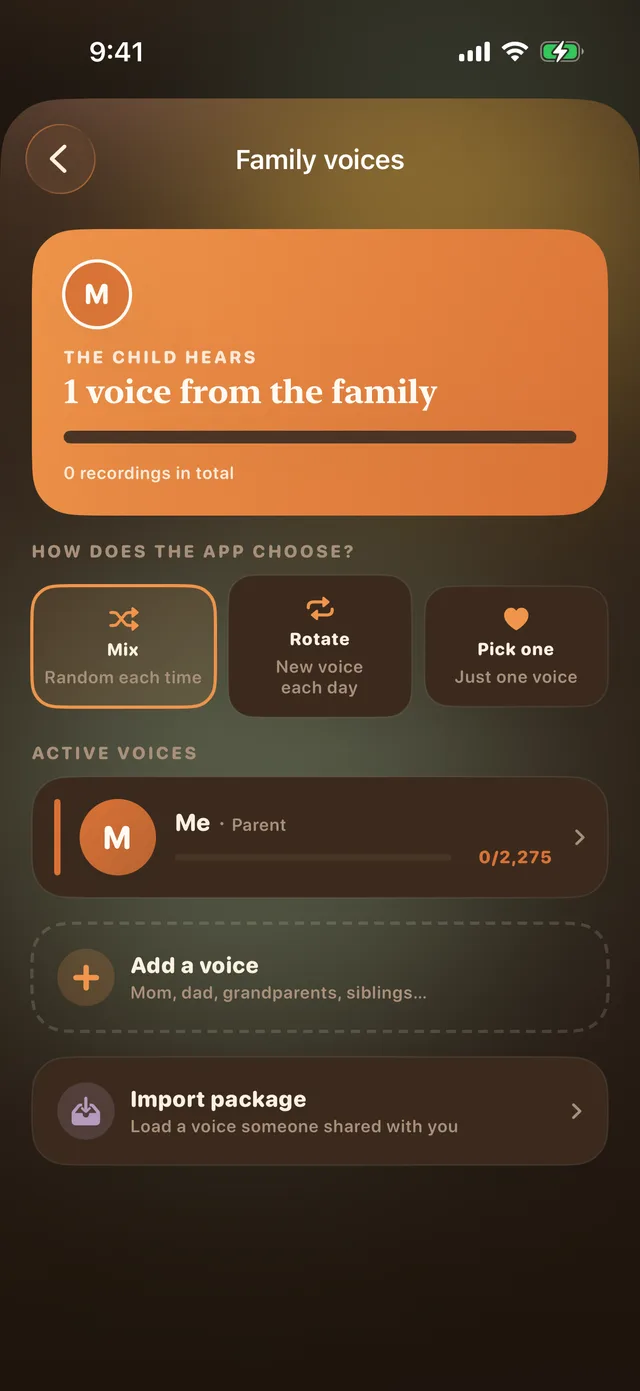
I made Bumle Bjørn for my daughter. Most of the kids’ apps I downloaded asked for something: a subscription, attention, an account. The list below is the one I go through myself before she gets a new app. These are one parent’s judgements, not research. The list applies to any app. Where Bumle Bjørn has an answer, it says so.
1. Look for ads
Open the app yourself, and use it for ten minutes before the child sees it. Look for banners, videos between the tasks and links to other apps. Check what happens when you tap them, too.
My rule is simple: an app for young children should have no ads. The child should not have to tell play from advertising.
In Bumle Bjørn: No ads.
2. Check the in-app purchases
The App Store page shows whether the app has purchases, and what they cost. See whether it is a one-time purchase or a subscription. Then see where the buy button sits in the app, and whether the child can reach it alone.
You can also block in-app purchases in the Screen Time settings on the device.
In Bumle Bjørn: The app is free to download. Bumle+ is an optional one-time purchase that unlocks extra content. Purchases sit behind a math question only adults can solve.
3. See whether it asks for an account
Notice what the app asks for before the child can begin: an email address, a login, the child’s name or age. Ask yourself what the app needs it for. The privacy section on the App Store page shows what data the developer says the app collects.
In Bumle Bjørn: No sign-up, no account and no tracking. Everything the app uses is stored locally on the device.
4. Try it offline
Put the device in airplane mode and open the app. If it works, it also works on the bus and in the car. If it stops, you know it depends on a server. Then it is worth finding out what it fetches or sends.
5. See whether it tries to hold on to the child
Look for countdowns, notifications asking the child to come back, and rounds that start by themselves. Look at the rewards as well. Are they a pat on the back, or a reason to keep going?
My test is one question: Is it perfectly fine to quit after five minutes? An app I am comfortable with has an end.
In Bumle Bjørn: The app does not try to keep the child longer than they want to stay. There are stars and medals, but as a pat on the back, not a points chase.
6. Check whether an adult can follow along
Find the parent section. See what is in there, and whether it is locked for the child. Also check whether the child can get out of the app through links, or delete something by accident. Sit next to the child the first few times, and see what they actually tap.
In Bumle Bjørn: Settings and recordings sit behind a math problem, Face ID or Touch ID. Links out of the app sit behind a math question. The child cannot delete the content by accident. Behind the lock, parents and grandparents can record the words in their own voices.
Common mistakes
- Relying on the age rating alone. It says little about ads, purchases and accounts. You have to check those yourself.
- Reading “free” as free. Free to download does not tell you what costs money later. Look for one-time purchases and subscriptions.
- Letting the child test it first. Use the app yourself for ten minutes before the child sees it.
- Checking only once. Apps change with updates. Go through the list again now and then.